19-10-2026, Saat: 16:26
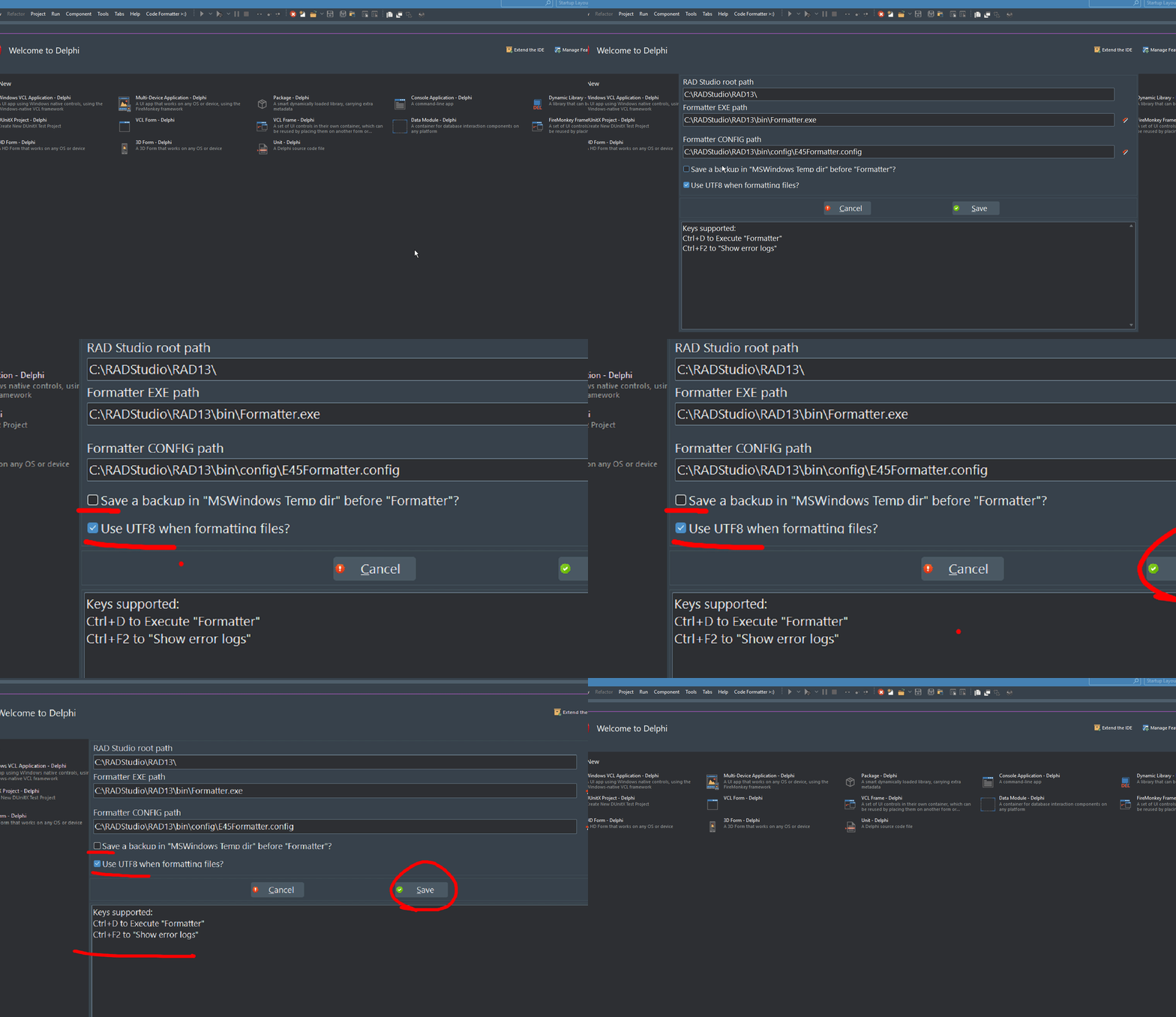
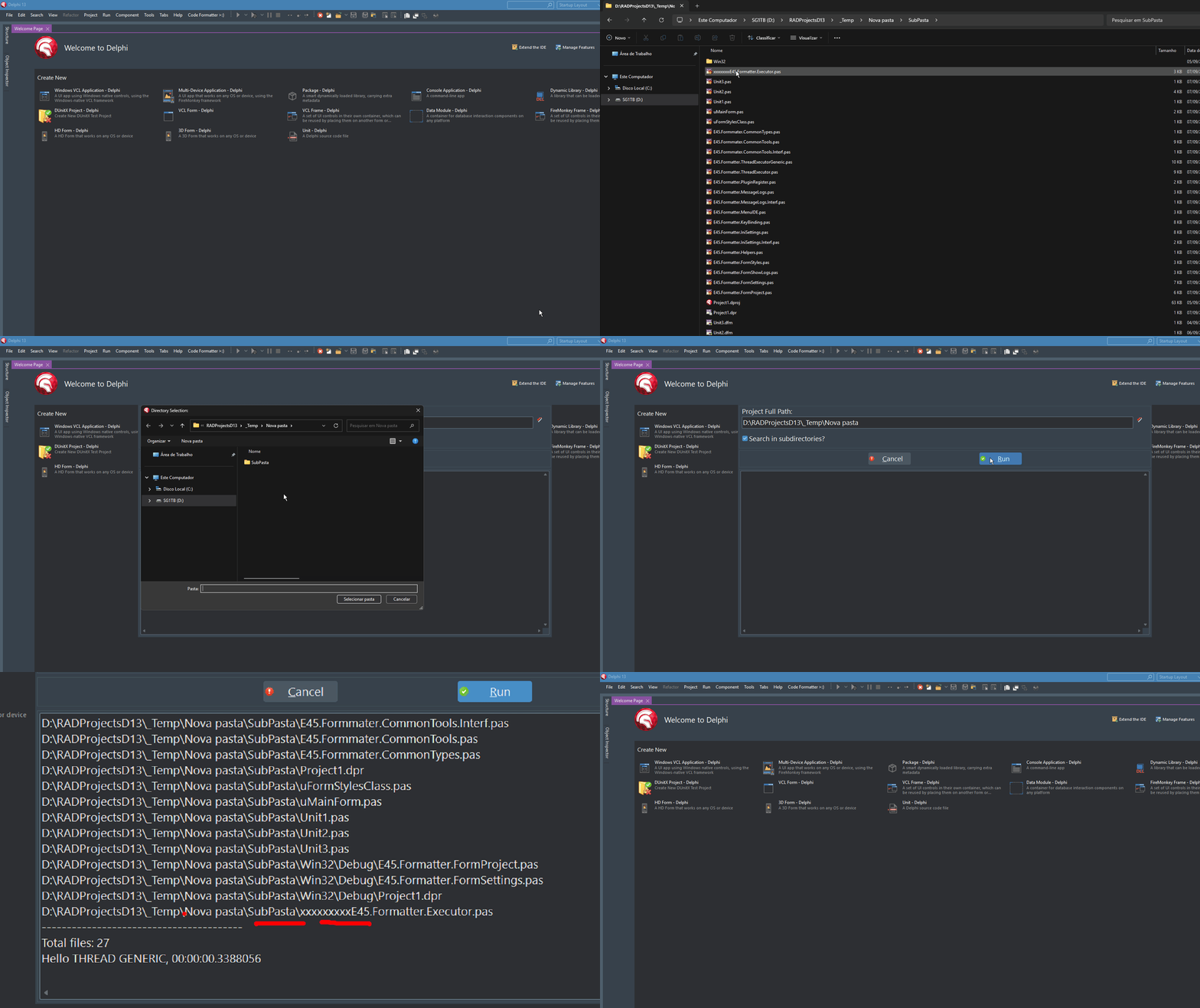
The MSys Delphi Code Formatter brings source code formatting back to RAD Studio 13 — lossless, configurable, and entirely according to your own rules.
RAD Studio 13 has removed the built-in formatter. This plug-in fills the gap — and goes far beyond what its predecessor ever did.
Ctrl+D — a shortcut nobody ever forgets
Who doesn’t remember this from earlier versions of Delphi? A quick press of Ctrl+D — and the source code would appear just as it should: neatly indented, consistently formatted, and easy to read. A shortcut deeply ingrained in the muscle memory of every Delphi developer, as second nature as F9 for compiling.
With RAD Studio 13, this gesture was suddenly a thing of the past: the built-in source code formatter is no longer included. Every project quickly feels the impact of this — inconsistent styling, haphazard spacing, and indentation that varies depending on the developer’s mood. And code reviews that focus on aesthetics rather than substance.
Delphi Formatter 1.3.27.146 (RS 13.2 +)
RAD Studio 13 has removed the built-in formatter. This plug-in fills the gap — and goes far beyond what its predecessor ever did.
Ctrl+D — a shortcut nobody ever forgets
Who doesn’t remember this from earlier versions of Delphi? A quick press of Ctrl+D — and the source code would appear just as it should: neatly indented, consistently formatted, and easy to read. A shortcut deeply ingrained in the muscle memory of every Delphi developer, as second nature as F9 for compiling.
With RAD Studio 13, this gesture was suddenly a thing of the past: the built-in source code formatter is no longer included. Every project quickly feels the impact of this — inconsistent styling, haphazard spacing, and indentation that varies depending on the developer’s mood. And code reviews that focus on aesthetics rather than substance.
Delphi Formatter 1.3.27.146 (RS 13.2 +)